A safer home
Explore earthquakes, fires and gas leaks through everyday home situations.
- What to do in an earthquake
- House fire: avoiding dense smoke and calling for help
- You smell gas — what to do
PREPLO / EVERYDAY PREPAREDNESS
Start with one choice. Practice for the unexpected, find the steps when needed, and keep Preplo with you when there is no signal.
Free core content · No account needed
Take a minute to think it through. Every choice has a reason.
02 / PACK A LITTLE PEACE OF MIND
Water, a flashlight, daily medication. A little preparation today, for you and those you care about.
03 / SAFETY GUIDES
Four categories to help you find your next step.


NEW / READ · DISCUSS · PREPARE
Topic routes, discussion prompts and a printable worksheet help you plan your next preparation session.
START / CHOOSE YOUR ROUTE
Choose a route that fits your everyday life. Read a guide, practice a choice, then take one preparation step.
Explore earthquakes, fires and gas leaks through everyday home situations.
Discuss home fire preparation for older adults and pet supplies, and identify your household needs.
Explore hiking navigation, water safety and protection in grassy areas before heading out.
7 DAYS / SMALL STEPS
A reading schedule created by Preplo, not an official seven-day preparedness standard. Change the order or pace and learn with your household.
Read the earthquake guide and describe the points that apply to you in your own words.
Try the earthquake questions and read why each choice matters.
Open the go-bag checklist and mark items you have already prepared.
Read the older-adult home fire preparation and pet supplies guides. Discuss what applies to your household.
Read the fire guide, comparing action steps with common myths.
Practice the fire situation and share one reason you learned with someone at home.
Revisit the checklist, pick one unfinished task and agree on your next review.
TOGETHER / TALK IT THROUGH
Start with these three questions and use the guides to check the steps together.
Who needs help moving? Who cares for the pets? Read the relevant guides together.
Who knows where the go-bag is? Which checklist items are ready, and which are missing?
Choose a shared situation, try it individually, then discuss the reasons behind your choices.
CASES / LEARN FROM REAL EVENTS
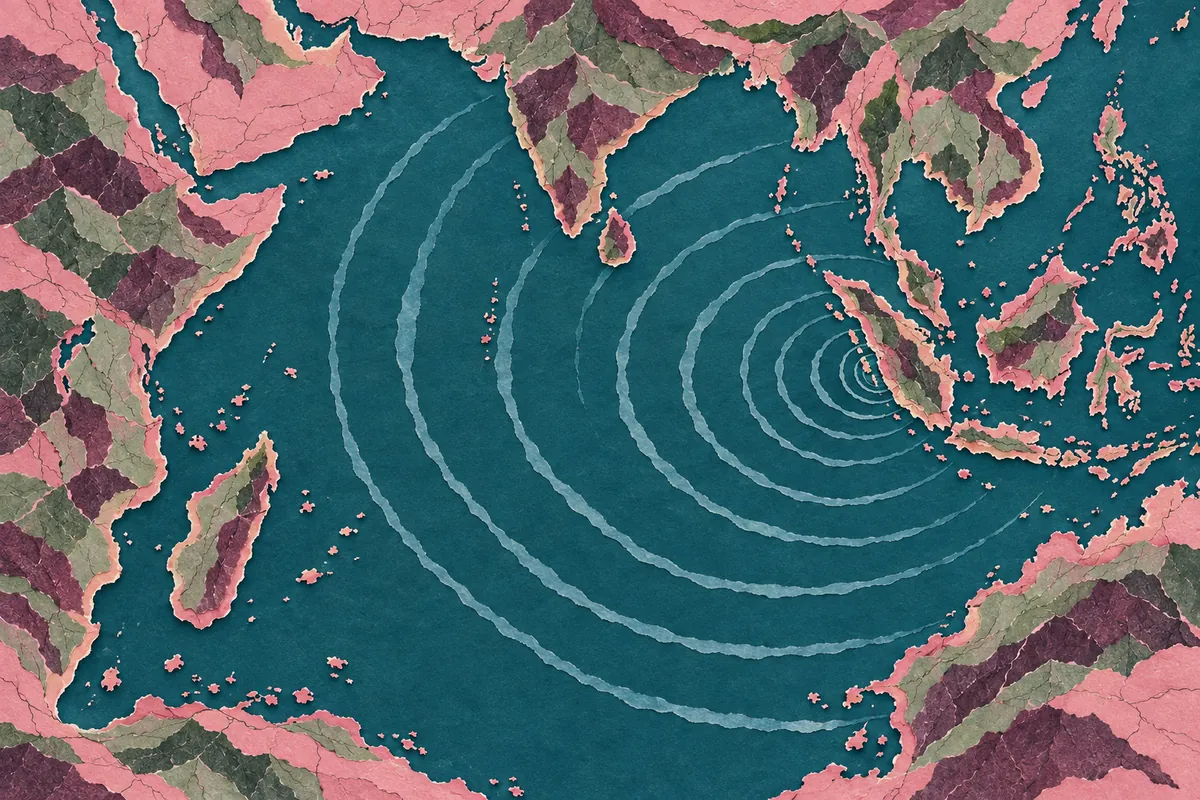
Each case uses an officially documented disaster to show what saved lives, what went wrong, and what you can prepare today.



APP · OFFLINE READY
The app includes offline guides, practice and lists. Installed or store app content is not necessarily this checked website edition. Check the version before use.
QUESTIONS / BEFORE YOU BEGIN
Choose a familiar situation. Read the steps and myths, then try its practice questions. Work through the go-bag checklist over several visits.
The website needs internet access. The app has built-in offline content, but older store versions are not this checked website edition. Install an app version supporting content updates and check the version before use.
Language controls the text; location filters Taiwan-specific or cross-region reference content. Cross-region reference does not mean guidance has been checked for every country. Changing language does not change location.
Each choice explains why. After answering, you can see the correct choice. Repeat the practice or return to the guide when you finish.
Checks stay in this browser and do not sync to the app or other devices. Clearing browser data may erase them. You can also print the checklist.
Find contact details under About & support. Include the situation, page URL, concern and reference sources. For technical problems, include device details.
